Lefty Cursor

Lefty cursor cursor pack
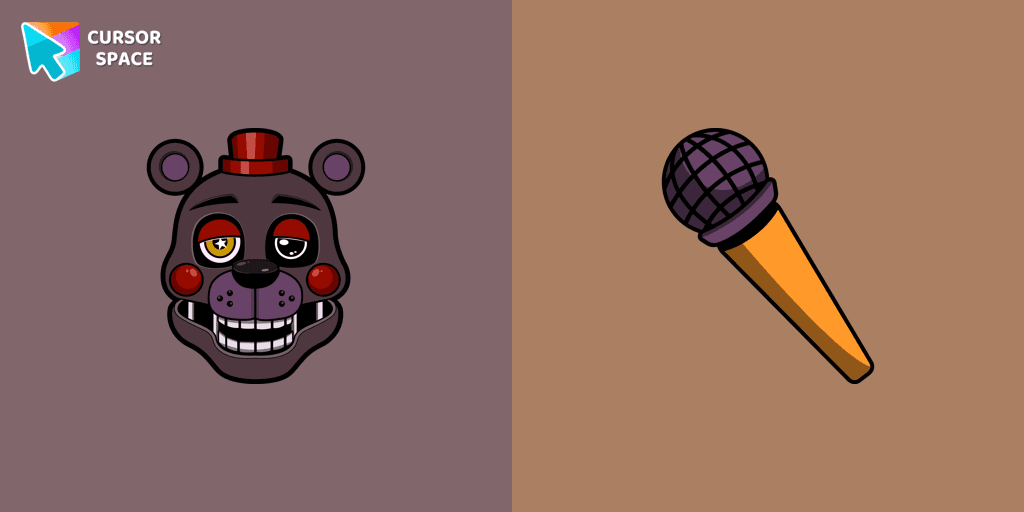
Preview Lefty cursor custom cursor pack
Lefty cursor arrow cursor
Lefty cursor pointer cursor

Description

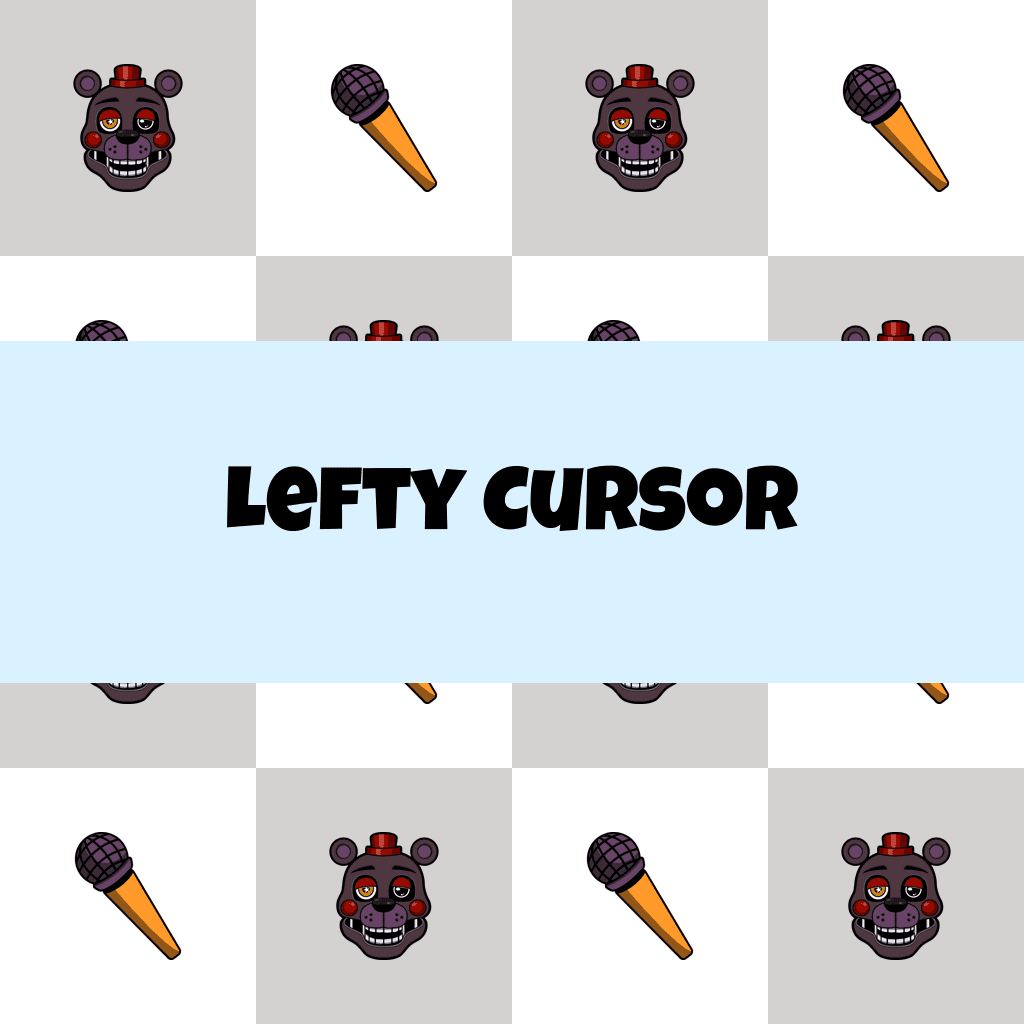
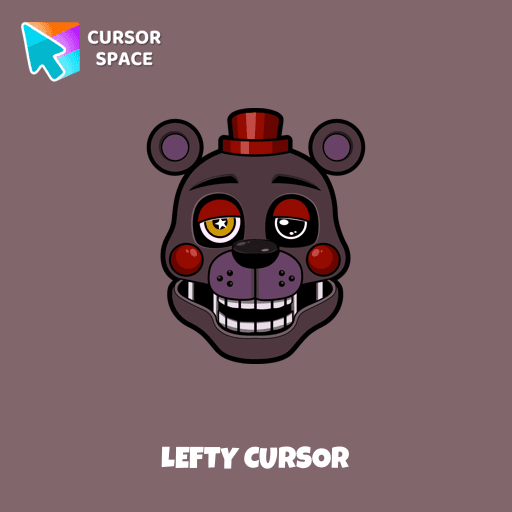
Outwardly, the character is very much like Rockstar Freddy, an anthropomorphic animatronic bear of black and gray color. Lefty cursor item is a pretty designed set of mouse cursors with a stylish hover.

What's included in the package

  • Default Cursor
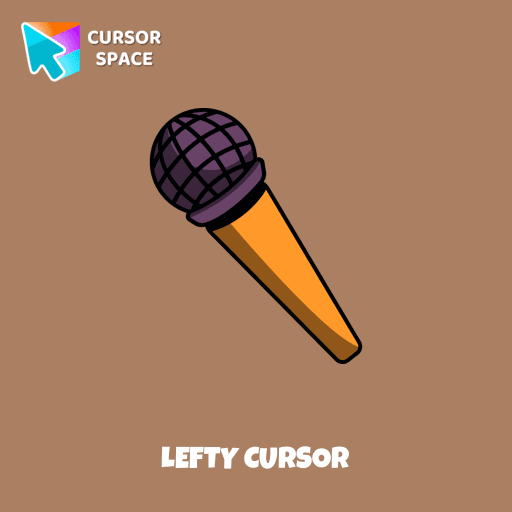
  • Pointer (Hand)

How to install a custom cursor pack Lefty Cursor

  1. Install the Cursor Space extension for Chrome or Cursor Space for Edge in your browser.

  2. On this page, click "Add this cursor pack to the extension".

  3. Open the extension and go to the Packs tab.

  4. Find the custom cursor pack "Lefty cursor" and click it.

  5. Enjoy!

Ready to install?

Get this cursor pack and thousands of others by installing our extension. It's fast and free!

About this cursor pack

Lefty Cursor is a themed cursor pack you can add to your browser to personalize your pointer across common cursor states (default and pointer). Use it for everyday browsing, streaming, studying, or gaming-anywhere you want your cursor to match your vibe.

Instant preview

See how the cursors look before installing.

Easy install

Add the pack to the extension in a few clicks.

Works in your browser

Designed for Chrome and Edge via the extension.

FAQ

Quick answers to common questions about cursor packs, collections, and installation.

Do I need an extension?

Yes. To apply cursor packs in Chrome or Edge, install the Cursor Space extension and add this pack to it.

Which browsers are supported?

Cursor packs are designed for Chromium browsers like Chrome and Microsoft Edge.

How do I switch back to the default cursor?

Open the extension, choose another pack or disable the current one to return to your default cursor.

Popular cursors today

Custom cursor and packs - neon, anime, pixel art. Quickly add to Chrome and Microsoft Edge for free

  • TOP 1
    Truffles cursor

    Truffles cursor

    (53)
    Free

    Truffles is a gray-blue boar from Happy Tree Friends. Get a custom cursor for Google Chrome featuring Truffles and his hoof from the Happy Tree Friends cursor set.

  • TOP 2
    Oreo spark light pink cursors

    Oreo spark light pink cursors

    (195)
    Free

    Discover Oreo Spark Light Pink custom cursors for Chrome. Add a feminine touch to your desktop with these elegant, soothing designs.

  • TOP 3
    Blossom Pixel cursor

    Blossom Pixel cursor

    (63)
    Free

    Blossom Pixel Cursor from our Cute Pixel custom cursors collection for Chrome will be the best suite for all fans of the culture of cuteness Pixel art.

  • Bibata Ghost Cursor

    Bibata Ghost Cursor

    (149)
    Free

    Elevate your digital experience with the Bibata Ghost custom cursor—sleek, translucent, and minimalist, offering smooth navigation and a sophisticated style.

  • Among Us Pokemon Character cursor

    Among Us Pokemon Character cursor

    (263)
    Free

    Add a touch of fun to your browsing with a custom cursor for Google Chrome featuring vibrant orange Pokémon characters like Charmander and Infernape.

  • Among Us Orange Character cursor

    Among Us Orange Character cursor

    (121)
    Free

    Our custom cursors for Among Us now includes the Orange character cursor. Players can add a pop of bright color to their in-game character and show off their unique style while playing Among Us.

Install Cursor Space - A Collection of Custom Cursors for Chrome & Edge

Add packs instantly and unlock access to thousands of cursors: neon, anime, pixel-art, and more. Fast, safe, and free.

  • Free cursor packs
  • HD/HiDPI & animated icons
  • Quick browser installation

Cursor Space is an extension for changing your mouse cursor in Chrome and Edge browsers: themed collections, HiDPI icons, neon, animated, and pixel cursors, with quick installation.

Install Extension

To use packs with one click, you need our free browser extension. Install it and come back!